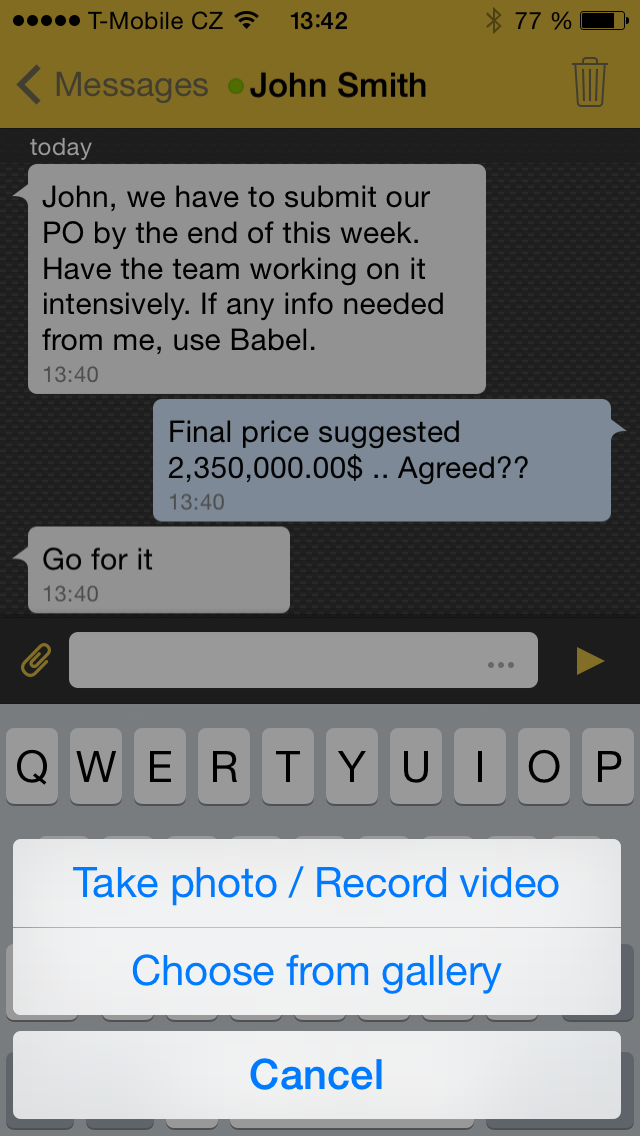
Despite of
summer, hot weather, or holidays, our team is still hard working on secured
messaging application Babel. We have been developing new feature last month,
attachments. The goal is to allow users sending attachments, as pictures,
videos, documents or other data files. The attachments are stored at Babel BE
server and the users should be able to download them whenever they want to. And
moreover, just like text messages, the attachments are end-to-end encrypted and
secured the whole time of the transfer.
While
developing this on Android, an interesting problem was found. The data are
transferred divided to chunks and javax.net.ssl.HttpsURLConnection is used to
transfer them, one by one. The server has REST interface and to transfer of
every chunk is required to create a new Uri, with the right offset.
After
implementing, on some devices exception as follows was thrown:
java.net.SocketException:
socket failed: EMFILE (Too many open files)
After some
research, we found this Android issue, which could have been our problem:
For better
understanding, I’ll give you little explanation what reusing of HTTP connection
is.
The idea of
HTTP persistence connection, also called HTTP keep-alive is to use a single TCP
connection to send and receive multiple HTTP requests/ responses instead of
opening a new connection for every request/ response pair.
Then we
figured out the solution, which was simply disabling the reusing of HTTP connection
by:
connection.setRequestProperty("Connection", "close");
After
disabling it, there is no effort to reuse the connection, so every connection
which is made is simply closed after every request.
Crashing of
the app was fixed so it remained to find out whether there were any performance
issues with having the reusing of HTTP connection disabled.
- At
first, we were measuring the speed of data transfer. We didn´t find any
relevant difference between data transfer speed with reusing enabled and
disabled.
- Then we have been measuring the data transfer volume. The results are as follows:
- Upload: the cost of transfer is increased by 60 B with reusing disabled.
- Download: the cost of transfer is increased by 200 B with reusing disabled.
The
increasing of data transfer cost may look as a problem, but when you consider
that size of our chunk is 2 MB when connected to WIFI or 100 KB when connected
to mobile network, it isn’t problem at all.
For
example, if you would download 100 MB file while connected to mobile network,
the increase of data volume would be 200 KB, while connected to WIFI, the
increase would be only 10 KB.